 Back to Main Menu




A-level statistics: a quick revision guide
Explore key A-level statistics topics, including probability, statistical distributions, hypothesis testing and the large data set, with practical revision tips.
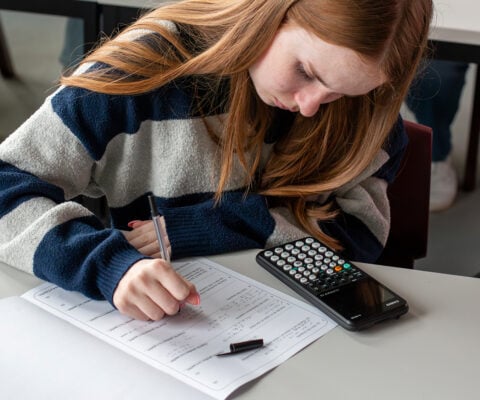
The A-level statistics syllabus presents various challenges for students to overcome, from getting to grips with notation and terminology to developing data literacy and calculator skills.
To help you prepare for your exams, we’ve put together this short revision guide to provide a recap on:
• Some of the fundamental topics and concepts within A-level statistics
• How to approach challenging statistical problems
• The benefits of doing practice papers
• Useful A-level statistics revision tools and resources
A refresher on some key elements of A-level statistics
Some of the fundamental A-level statistics concepts you should be comfortable with ahead of your exams include:

Data presentation and interpretation:
This includes the distinctions between quantitative and qualitative data, discrete and continuous data, and different sampling techniques.
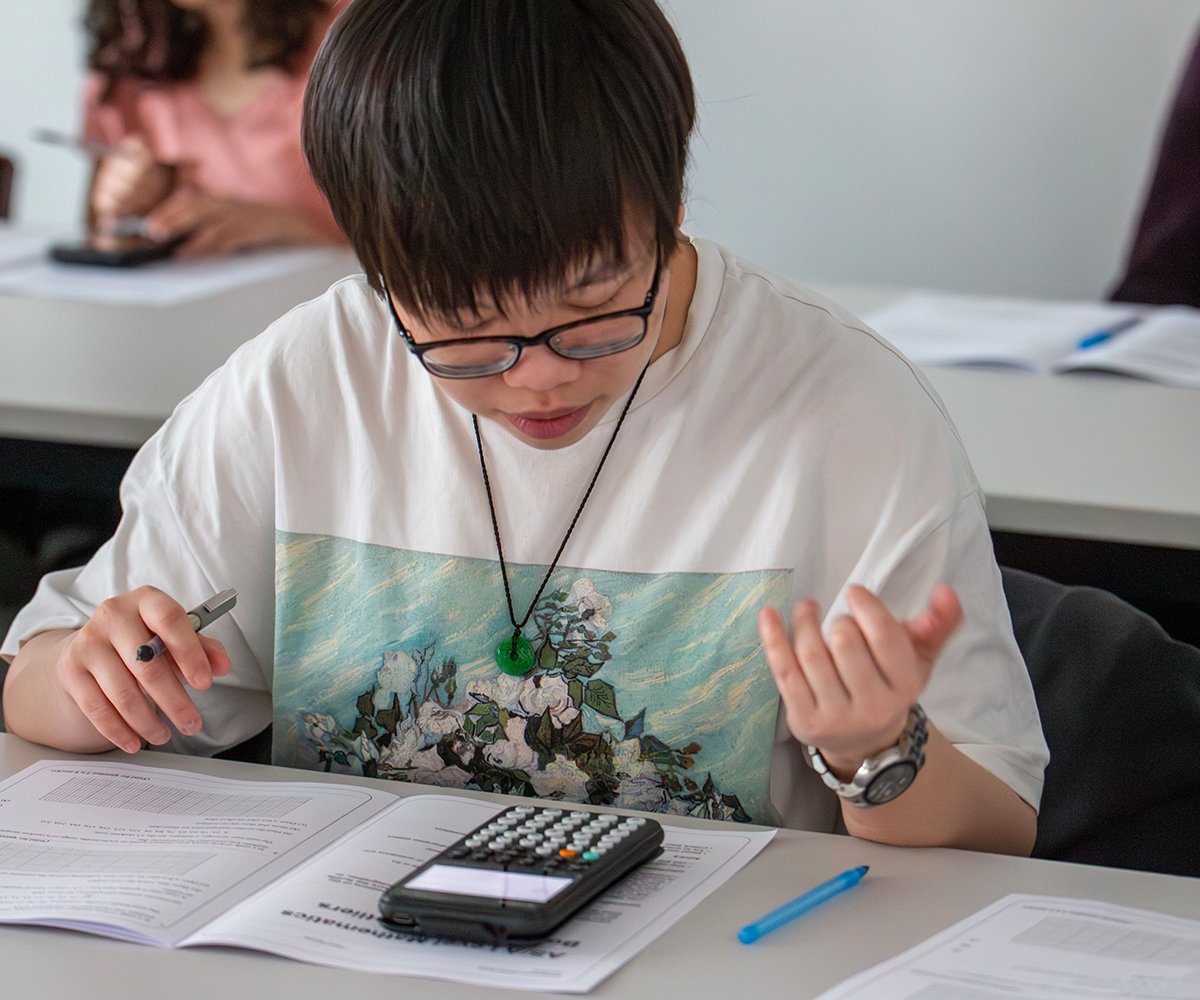
Probability:
Basic probability rules, Venn diagrams, probability trees and the use of set notation are among the essentials in this area of A-level statistics.

Statistical distributions:
You can expect to come across exam questions on binomial and normal distributions, as well as discrete uniform distributions.

Hypothesis testing:
You need to be comfortable with concepts such as null and alternative hypotheses, significance level, and one-tailed and two-tailed tests.

The large data set:
You might come across exam questions that refer to the large data set, which you will have been introduced to during your A-level maths course. It’s a good idea to refresh your memory on it as part of your statistics revision.

Tackling difficult statistical problems
A key piece of advice when tackling difficult statistical problems – not just from us, but from educators and maths experts such as Seb Bicen of Bicen Maths – is to know your calculator.
In his video covering everything you need to memorise for A-level statistics, Seb points out that being familiar with calculator operations is essential when completing tasks such as working out cumulative probabilities.
Casio graphic calculators like the fx-CG100 offer a wide range of functionality to help you unpack even the toughest statistics questions, including the ability to calculate and graph both discrete and continuous distributions in the Distribution app.
Other good practices that can help prepare you for challenging problems in your exams include:
• Shoring up your knowledge of common statistical terminology and definitions, such as standard deviation, significance and correlation
• Regularly practising exam-style questions and using mark schemes to check your work
• Reviewing common statistics mistakes to identify areas and topics you need to brush up on

Using practice papers to help you succeed
Past papers are available in plenty of places online. On Maths Genie, for example, you can find past papers from all the main exam boards, as well as mark schemes, model answers and other useful materials.
One of the key benefits of using past papers as part of your A-level statistics revision is that they can help you get used to working under timed conditions and allocating your time appropriately, based on the number of marks available for each question.
They’re also useful for getting to grips with common exam question formats and understanding what questions are really asking you, both in terms of the underlying theory and how it should be applied.

Exam day strategies for A-level statistics
When it comes to sitting your exams, there are some simple steps you can take to make your life easier, not just for statistics but for all elements of A-level maths.
• Make sure you know how to activate Exam Mode on your graphic calculator. The fx-CG100 has a dedicated Exam Mode app, making it quick and easy to activate the appropriate settings. You can see the process in our fx-CG100 Exam Mode video. The fx-CG50, the predecessor to the fx-CG100, also features Exam Mode, which can be activated by following the steps outlined in this fx-CG50 exam success guide.
• Check your batteries. Make sure you have a fresh set of batteries in your calculator and pack some spares for peace of mind.
• Make use of your formula booklet. You’ll be given a formula booklet containing formulae for probabilities, standard deviation, discrete distributions and more. While you might want to memorise these, it can be useful to refer to the booklet when checking your work.
• Allow time to review your answers. Try to return to questions you found particularly tricky so you can check your methods and solutions.

Useful A-level statistics revision resources and tools
Maths Genie and Bicen Maths are both excellent sources of help and support for your A-level statistics revision.
On the Bicen Maths channel, you can find videos covering various aspects of statistics, including:
Regression and correlation
Conditional probability
Statistical distributions
Data handling
Binomial hypothesis testing
Casio Education also runs student calculator training and revision webinars to support you with your A-level maths studies, including guidance on making effective use of your calculator when tackling exam questions.
You can find details of any forthcoming sessions and sign up on our webinar page.
FAQs
A-level statistics FAQs
A-level statistics covers topics including data presentation and interpretation, sampling, probability, statistical distributions and hypothesis testing. You may also encounter questions relating to the large data set. Check your exam board specification for the precise content you need to revise.
The large data set gives you real-world data to explore and analyse during your A-level maths course. You should become familiar with its key features and practise applying statistical techniques to the data ahead of your exams.
Yes. A suitable graphic calculator can help with calculations involved in hypothesis testing and statistical distributions. Make sure you understand both how to perform the relevant calculator operations and how to interpret your results in the context of the question.
Your teacher should always be your first port of call for advice on how to approach your A-level statistics revision. With that in mind, techniques that some students find useful include revising individual topics, regularly practising exam-style questions, becoming confident with calculator functions and using past papers to practise working under timed conditions.
Blog
- Graphing technology
- Scientific calculators
- Exams
- Curriculum
- Classroom
- Students


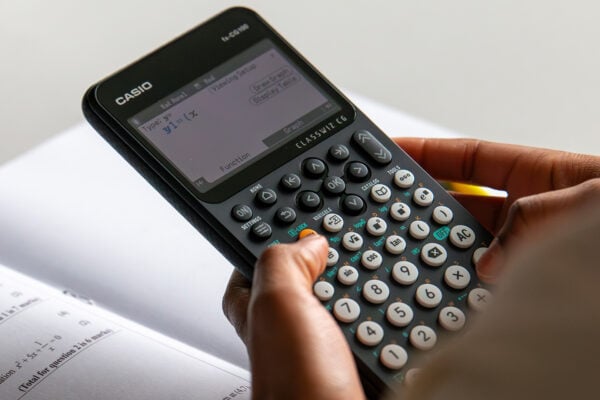







Common mistakes in A-level statistics: probability distributions
Read more
Which Casio calculator does your class need?
Read more
Probability: key challenges and how calculators can help
Read more
Ratio: why is it such a challenge and how can a calculator help?
Read more
Moflin at MEI: how Casio’s AI companion is finding a place in the classroom
Read more
Which Casio calculator does your class need?
Read more
Probability: key challenges and how calculators can help
Read more
Ratio: why is it such a challenge and how can a calculator help?
Read more
Results day: supporting students with their next steps
Read more
Best A-level combinations: a comprehensive guide
Read more
Why is year 7 the perfect time to introduce scientific calculators?
Read more