 Back to Main Menu






Support for your product and you
Find the latest operating software and updates, FAQs and case studies

FAQs
A collection of the most frequently asked questions regarding our emulators and products

OS Files
Find the latest software, related files and updates for your device

Exams
Our exam guidance will help you to ensure you have the best calculator and software for your curriculum
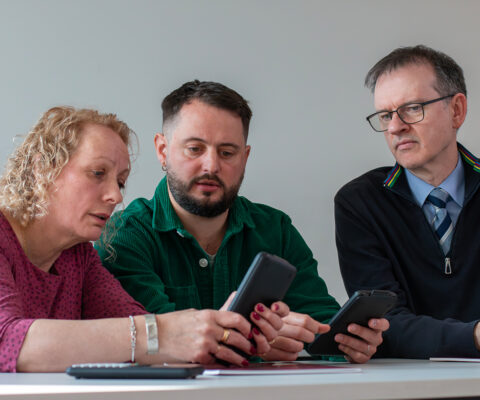
Free Graphic Calculator Training
Graphical calculators are the perfect fit for post 16 and secondary learning, and it’s why you’ll increasingly spot the fx-CG100 in A-Level maths classes and some GCSE’s.
With our free graphic calculator training, not only will you acquire key skills and gain confidence using the fx-CG100, our training session focuses on using the calculator for learning maths in an A-level topic. We’ll use applicable A-Level question demonstrations which you can use in your next class. Delivered by training experts who know the calculator inside out, we’ll teach you and your colleagues at a time of your choosing.
Sign up for training today and join the growing number of teachers and schools going graphic.

Casio’s History for Mathematics
Casio Education aim to support all UK schools and their teaching of mathematics.
Casio Education exists to support UK schools, teachers and educators in the teaching of mathematics. Providing free resources, training, software and support via a team of ex-teachers and practicing industry leaders.
Casio’s long history started in calculators with the launch of the Casio 14-A calculator in 1957, a revolutionary new device using 342 electric relays that solved addition, subtraction, multiplication, and division problems up to 14 digits.
In 1985, Casio developed the fx-7000G, the first scientific calculator to incorporate graphic function. The fx-7000G offered 82 scientific function and held 422 bytes of programming memory. In 2017, Casio launched the fx-CG50 colour graphic calculator offers over 2,900 functions and 61,000 bytes of programming memory.
The fx-CG100, is Casio’s new flagship graphic calculator. culmination of four years of development, we have bridged the gap between scientific and graphing calculators with a standardised user interface! With a seamless transition from scientific to graphing models, students can navigate effortlessly, no need to relearn.
Blog
- Graphing technology
- Scientific calculators
- Exams
- Curriculum
- Classroom
- Students

From fx-991CW+ UK to fx-CG100: making the move at A-level
Read more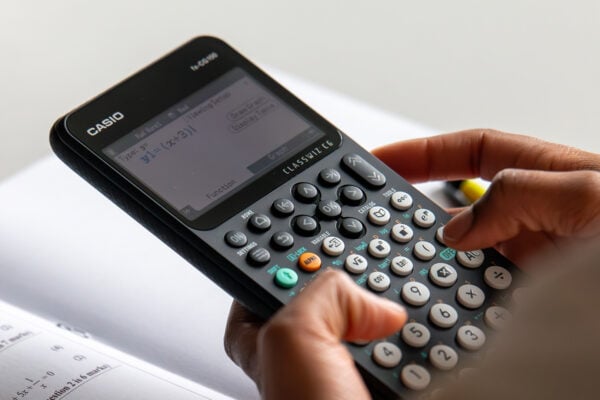
How to improve algebraic fluency at A-level
Read more
Seb Bicen’s top tips for using the fx-CG100 in exams
Read more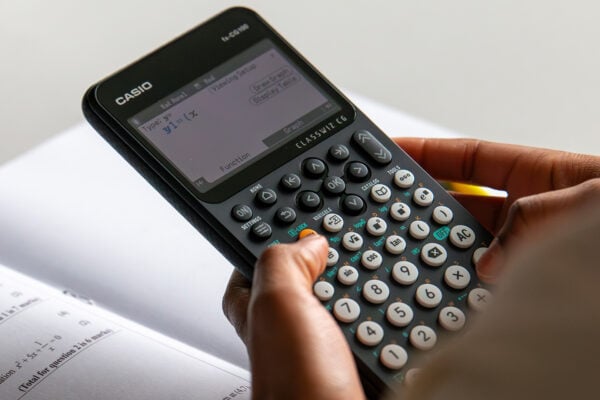
When is the right time to upgrade to a graphic calculator?
Read more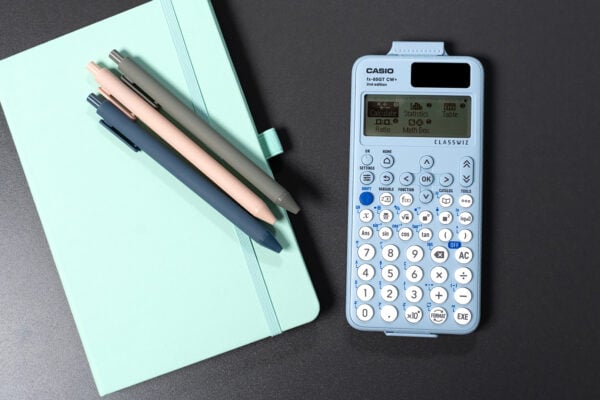
ClassWiz+ compared: which model is right for your classroom?
Read more
From fx-991CW+ UK to fx-CG100: making the move at A-level
Read more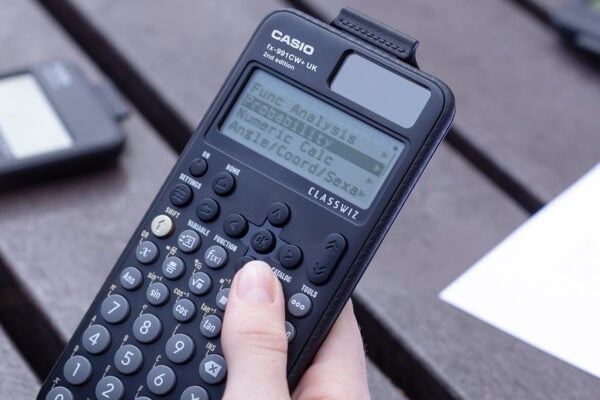
Probability: key challenges and how calculators can help
Read more
Ratio: why is it such a challenge and how can a calculator help?
Read more

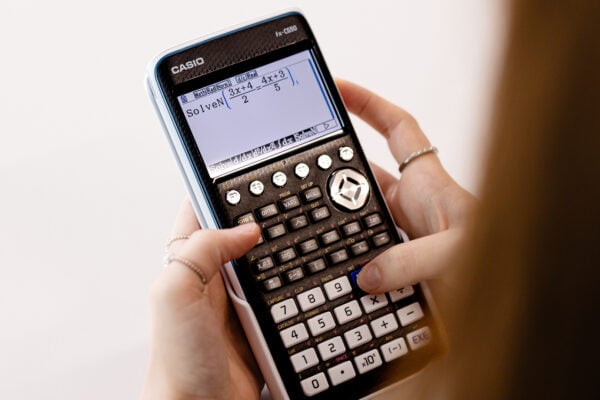


Common mistakes in A-level statistics: probability distributions
Read more
Which Casio calculator does your class need?
Read more
Probability: key challenges and how calculators can help
Read more
Ratio: why is it such a challenge and how can a calculator help?
Read more
Moflin at MEI: how Casio’s AI companion is finding a place in the classroom
Read more
Which Casio calculator does your class need?
Read more
Probability: key challenges and how calculators can help
Read more
Ratio: why is it such a challenge and how can a calculator help?
Read more
Results day: supporting students with their next steps
Read more
Best A-level combinations: a comprehensive guide
Read more
Why is year 7 the perfect time to introduce scientific calculators?
Read more