Back to Main Menu


Are graphic calculators allowed in GCSE maths exams?
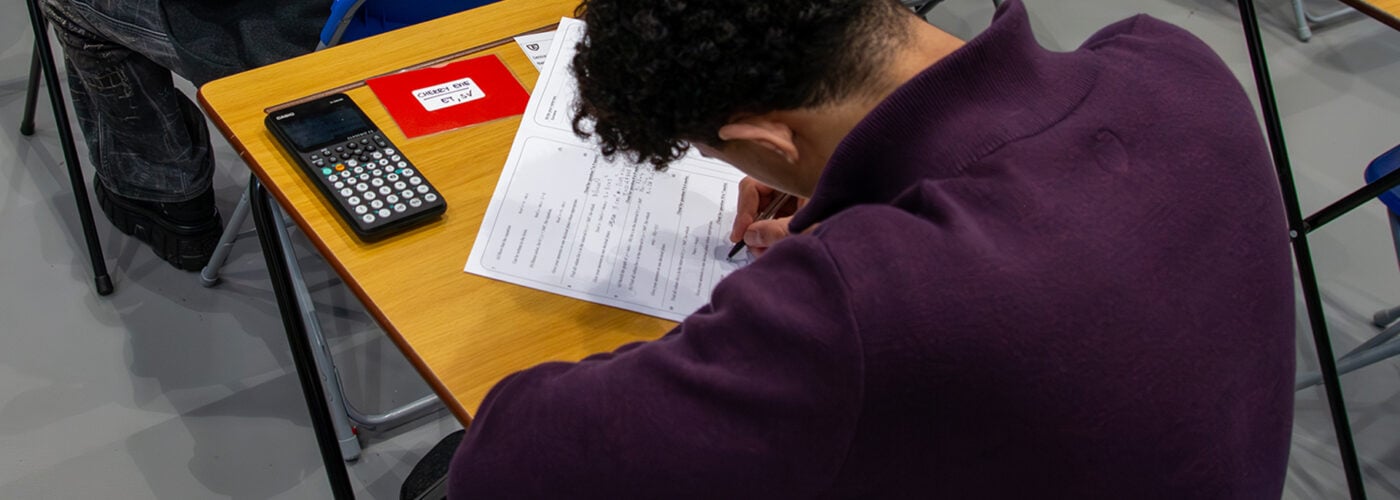
If you’ve ever paused before telling a student their graphic calculator is fine to bring into a GCSE maths exam, you’re not alone. It’s a common point of uncertainty among maths teachers, and an easy one to feel unsure about given how much exam guidance can vary by board, subject and qualification.
The good news is that graphic calculators, including the Casio fx-CG100, are permitted in all UK GCSE and A-level maths exams that allow calculator use.
Feeling fully confident and comfortable about that can make it much easier for you and your students to take full advantage of the technology – both in the classroom and in the exam hall.
A clear picture of what’s allowed
As our own exam guidance shows, every calculator model sold by Casio UK – including the fx-CG100 – is permitted in UK school exams. That covers all the major exam boards, including AQA, OCR, Pearson Edexcel, WJEC, CCEA and Eduqas, across GCSE and A-level maths papers.
If some of your students are still using the fx-CG50, the same reassurance applies – it carries identical UK exam permissions to the fx-CG100.
Certain exceptions do exist elsewhere: graphic calculators aren’t permitted in Irish exams, for instance, and require Exam Mode to be used in IB Diploma examinations.
A note on Exam Mode
Exam Mode is a dedicated setting on our graphic calculators that shows invigilators the handset’s memory is clear and that any restricted functions are switched off – represented by a coloured border around the screen.
On the fx-CG100, it’s especially quick to activate thanks to a dedicated Exam Mode app, accessible straight from the home screen. You can see how to turn it on in this video.
If your students are using the fx-CG50, the process involves a specific sequence of key presses rather than a dedicated app. This step-by-step guide walks through exactly how to do it.
Whatever model they’re using, it’s worth students getting familiar with Exam Mode and how to activate it well before sitting their papers. That will help to avoid any unnecessary stress on the day itself, and they can easily show invigilators their calculator is fully compliant.
A closer look at the regulatory detail
According to the Joint Council for Qualifications (JCQ), graphic calculators are permitted in all examinations that allow calculator use provided they comply with JCQ’s Instructions for Conducting Examinations.
Certain functionality isn’t permitted, such as symbolic algebraic manipulation and symbolic calculus – in other words, calculators that display the individual algebraic steps behind a solution rather than just the final answer. This is typically the hallmark of a Computer Algebra System.
By contrast, a calculator that can work out a definite integral and return only the numerical result, without showing the underlying algebraic working, remains fully compliant. The fx-CG100 falls firmly into this category, which is why it’s permitted across all UK exam boards.
The real case for graphic calculators
Being permitted in exams is only part of the story as far as graphic calculators are concerned. Maths teacher and YouTuber Seb Bicen puts it plainly: “It really is just the most useful piece of technology that they’re going to have access to and that they can also use in exams.”
That view was echoed by teachers at the 2025 MEI Conference, who agreed that students who had built up genuine familiarity with graphing technology found it a clear advantage under exam pressure. Being able to visualise a function alongside their written working, for example, gives students an extra layer of reassurance, helping them move through questions more quickly and with greater confidence.
As one teacher put it: “If they’ve been doing that for two years and they can do it quite quickly, it’s extremely helpful in an exam. I don’t think I’ve ever had a student use a graphic calculator in an exam and say it hindered them. It’s always the other way around.”
James Davis, Head of KS5 Further Mathematics at Newstead Wood School, goes further still, suggesting confident graphic calculator use can be worth an extra grade at A-level – largely because it lets students check their working, visualise problems and verify answers as they go.
The common thread through all of this is that familiarity and proficiency with a calculator is what turns exam eligibility into a genuine advantage.
If you’re looking for an introduction to the fx-CG100 and what it can do, we run free one-hour induction training sessions for teachers, whether you’re completely new to our graphic calculators or switching over from the fx-CG50.
Book your free fx-CG100 training here.
FAQ’s
To enter UK mode, from HOME, select System, Country and then United Kingdom.
In UK mode, the app and catalog menu is optimised for UK curriculums.
UK mode optimises the handset for use in UK curriculum settings. It ensures that more commonly used functionality, settings and apps are easily available.
All calculator models sold by Casio UK are permitted in UK school exams. Some models are permitted in Irish and IB exams.