Back to Main Menu




Building calculator confidence for GCSE maths

As students make the step up to GCSE maths, familiarity and confidence with their calculator can make a real difference to how they approach problem-solving, checking answers and working independently in lessons.
We spoke to James Davis, Head of KS5 Further Mathematics at Newstead Wood School, about the value of building calculator habits gradually over time and how regular classroom use can help students become more comfortable and confident with the tools available to them.
Making calculator use feel natural
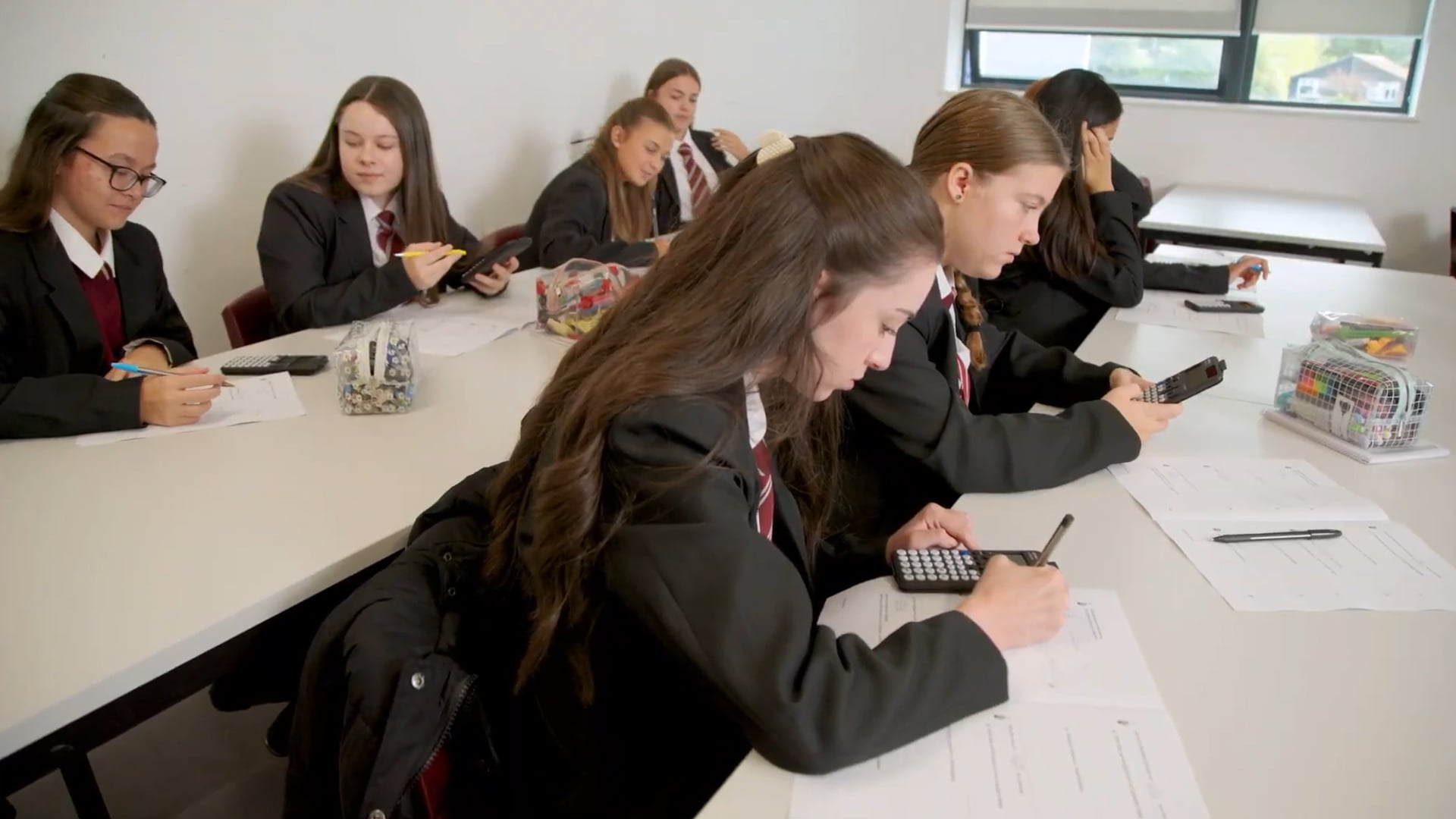
In James’ classroom, calculators are simply part of students’ normal equipment and working practice. Rather than spending lots of time explicitly teaching calculator skills, he has found that familiarity tends to develop naturally through regular use in lessons.
That confidence can really pay off later in GCSE maths, when students are spending more time working through exam-style questions and checking answers independently. As James puts it, calculators become “a natural tool that’s just there” rather than something students have to stop and think about.
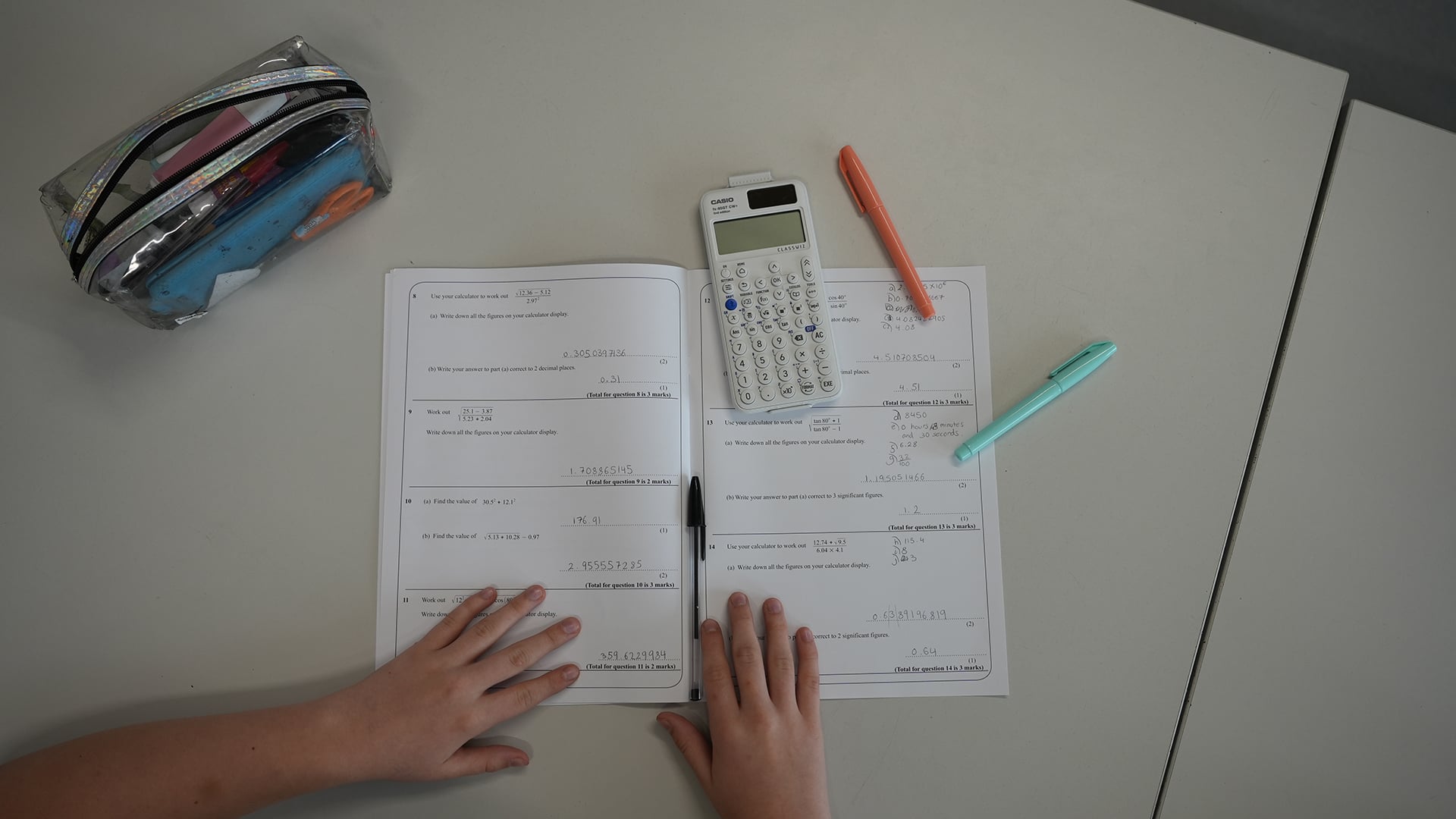
Of course, calculators are only part of the picture. Students still need a strong understanding of the maths itself, particularly with one GCSE paper remaining entirely non-calculator. James’ view is that calculators should support fluency and confidence alongside secure knowledge, helping students focus on the mathematics in front of them rather than the mechanics of using the device.
Why calculator consistency helps
One point James emphasises is the value of familiarity and consistency. In an ideal scenario, all new GCSE students would be using the same calculator and gradually building confidence with the handset ahead of their exams.
Of course, the reality in many classrooms is that students will be using a mixture of different models. Some may have entry-level calculators such as the fx-83GT CW+ or fx-85GT CW+, while others could be using the more advanced fx-991CW+ UK. A key advantage of the ClassWiz+ range is that the core logic, menu structure and navigation style is broadly consistent across all devices.
That should become even more noticeable from September as more GCSE students arrive in classrooms with ClassWiz+ handsets in their bags. The updated range has several usability improvements, including changes to the FORMAT key so it functions in the same way as the previous S↔D key, along with expanded functionality on the fx-991CW+ UK.
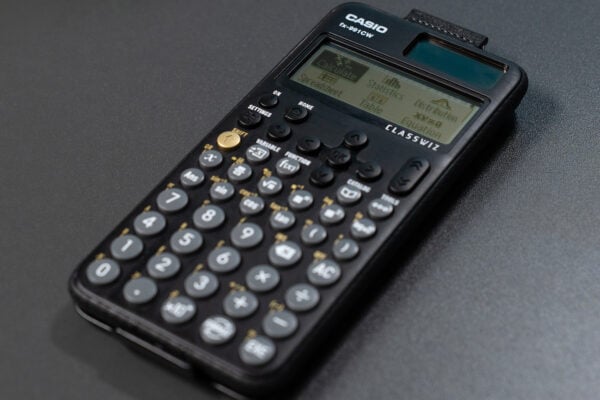
James personally recommends the fx-991CW+ UK because of its additional equation-solving functionality.
“The three things I find really useful are the general equation solver, the simultaneous equation solver and the quadratic equation solver,” he said. “They are three major functions that I use all the time and my students find them really helpful.”
For those tackling higher-tier GCSE topics, these tools can provide a useful way to check answers and verify working.
The ClassWiz+ range as a whole provides all the functionality required for the GCSE maths curriculum and is designed to offer a consistent experience, regardless of which model students are using.
Features that support learning and confidence
Another function James regularly uses is Table mode, which is available across the ClassWiz+ scientific calculator range. Whether students are exploring sequences, generating values for graphs or investigating patterns, it can quickly produce the information they need to start asking questions and spotting relationships.
In James’ words, it acts as a time saver, allowing students to focus on understanding rather than repetitive calculations. Once the values are generated, “you can then see the shapes and the patterns”. By reducing the time spent calculating individual values, students have more opportunity to explore what the results are actually telling them.
For students using the fx-991CW+ UK, James sees the calculator’s equation-solving functions primarily as tools for checking and verification. He often points to trigonometry as a good example: students still need to set up the equation correctly themselves, but the calculator can then help them confirm the solution.
As James puts it: “It just gives them the confidence that they can at least check their answers.”
Our most advanced scientific calculator also has a derivative function, which could offer an interesting route into exploring more challenging concepts for students planning to progress to A-level maths.
“You can start exploring the gradient of a tangent and introduce differentiation that way,” he explains.
Exploring and learning together
Another observation James has made over the years is that students are often quicker to explore new calculator functionality than teachers might expect. He recalls discovering some features through conversations with students who had spent time experimenting with the calculator themselves.
Students’ natural curiosity and confidence with new devices can sometimes lead them to uncover tools and approaches that even experienced teachers have not encountered yet. In that sense, learning can become a two-way process, with technology providing opportunities for exploration, discussion and deeper mathematical thinking.
The same spirit of exploration can support students as they progress beyond GCSE maths. For those moving on to A-level, the fx-CG100 graphic calculator shares the same core logic, menu structure and navigation style as the ClassWiz+ range, helping to make the transition feel more familiar.
To dive deeper into all of our calculators and their capabilities, head to our resources centre, where you’ll find collections dedicated to getting started with ClassWiz+, the fx-CG100 and more.

Recommended
Making the most of the fx-991CW+ UK for GCSE Higher maths
Read more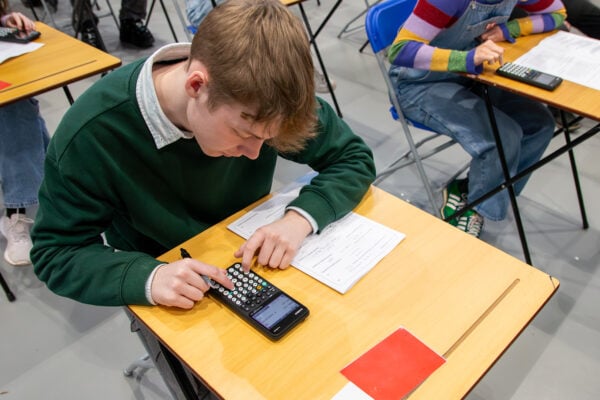
Exam readiness: the case for starting early
Read more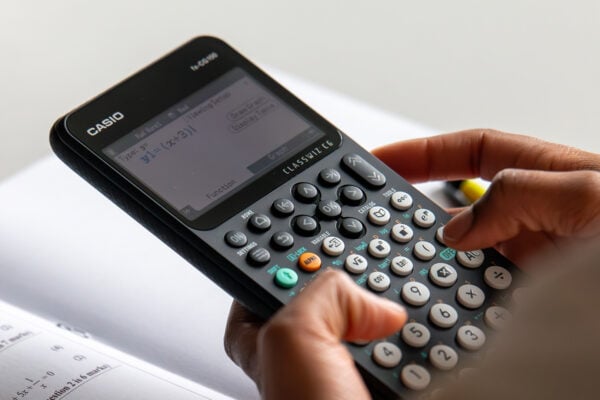
How to improve algebraic fluency at A-level
Read more