Back to Main Menu






ClassWiz+ video resources
Explore the latest ClassWiz+ features through short, practical videos designed to help teachers understand what’s new and how they can be used in lessons.
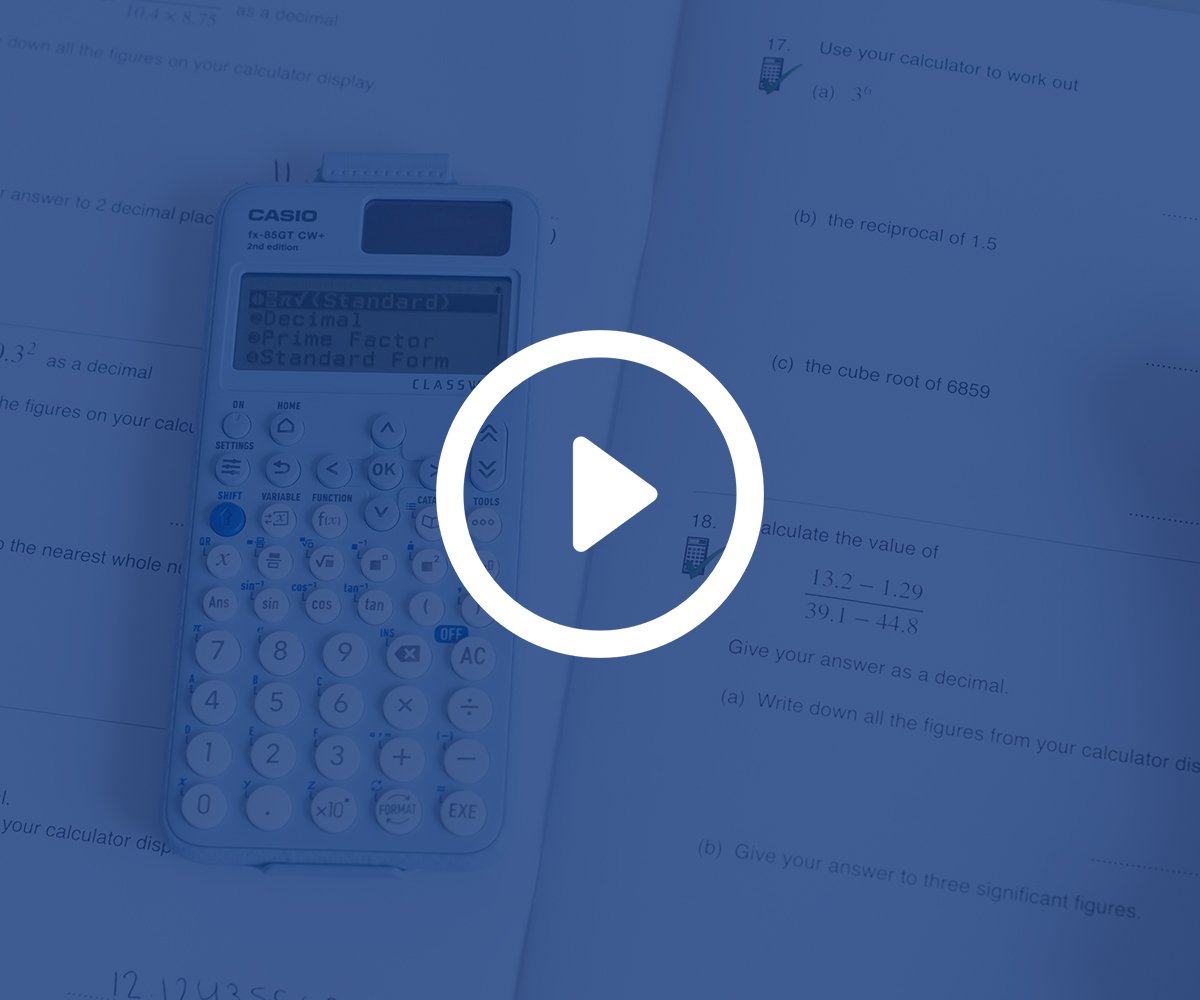
Upgrades to fx-83GT CW+ and fx-85GT CW+
This video looks at the upgrades made to the ClassWiz+ entry scientific range of calculators: fx-83GT CW+ and fx-85GT CW+. This includes app and menu shortcuts, new standard form functionality in the FORMAT menu, scientific key calculation improvements and the new Shift Catalog menu for efficient navigation.

Upgrades to fx-991CW+ UK
This video looks at the functionality updates of the fx-991CW+ UK specific handset. This includes the use of shortcuts, new default settings, the introduction of consistent numeric functionality across the ClassWiz range, FORMAT key, scientific key usage and the new Shift Catalog menu.

Navigating ClassWiz+
This video looks at how to navigate the fx-991 CW+ UK specific handset efficiently when performing calculations. This includes using Catalog functionality, shortcuts and the new Shift Catalog menu, which allows faster navigation. The principles of this video also apply to fx-83GT CW+ and fx-85GT CW+.

Using the Format key on ClassWiz+ calculators
This video looks at using the FORMAT key with ClassWiz+ handsets. This includes toggling the standard to decimal representation and using the full FORMAT menu to convert between fractions, decimals, recurring decimals, standard form and hours, minutes and seconds. The principles of this video apply to all CW+ calculators (fx-83GT CW+, fx-85GT CW+ and fx-991CW+ UK).
Upgraded features, inspired by teachers
Teacher feedback is at the heart of every update we make.
Discover what teachers think of the new ClassWiz+ scientific calculator range.
Blog
- Scientific calculators
- Graphing technology
- Exams
- Curriculum
- Classroom
- Students