 Back to Main Menu




Book your fx-CG100 training
Complete the registration form below and we will be in touch to arrange your training session.
FREE induction and statistics training to give you insight to popular functions of the fx-CG100 and will boost your confidence in using it effectively in a classroom.

fx-CG100 Online Training
Our training is delivered by qualified Mathematics teachers who have experience in using the calculator in teaching, learning and assessment.
Choose from two topics:
• Induction (graphing and solving trigonometric equations)
• Statistics – For this session we recommend you should have
some understanding of A-level Statistics, especially:
– Summary statistics calculation
– Probability Distributions
Both courses are suitable for teachers who have little or no experience of using this calculator, or those who wish to boost their confidence in using it.
* This course does not cover usage of the fx-991CW or the fx-CG50.
What you need for the training
Each teacher should have:
– some understanding of A-level trigonometry, including double angle formulae
– access to a fx-CG100 graphic calculator (we have loan units available if required)
– A PC or tablet with a microphone and preferably a webcam (phones are too small to be effective)
These departmental sessions are designed to be booked in for the Maths Department of 2 – 10 teachers. If you wish to attend solo, we offer open school sessions. These sessions allow you to interact with teachers from different schools to build confidence and acquire key skills that you can bring back to your school.
Add your School Details Below
We seek to approve new school applications within 48 hours.
Please keep an eye on your emails for application approval, if nothing is received within that time please check your Junk mail. For any further assistance you can contact us here.
For us to process your licence we need to verify and add your school. Use the form below to fill in the details and we will get back to you within 48 hours to access approval if applicable.
Casio Electronics Co Ltd is committed to protecting and respecting your privacy, and we’ll only use your personal information to administer your account and to provide the products and services you requested from us.
Add your colleagues to the training session
Currently Booked Teachers

Error
Get in touch
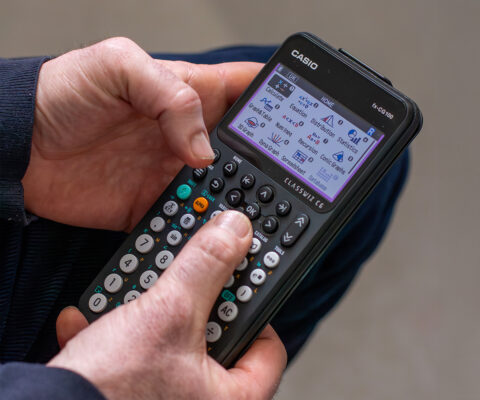
New and improved
• fx-CG100 is designed with the ClassWiz concept, user interface and navigation.
• Menus are super easy to use and displays are vibrant and clear.
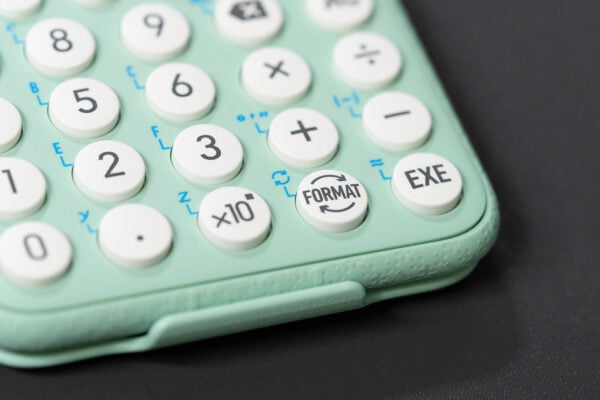
• S<>D is easily accessible in one-press via the updated FORMAT key toggle.
• Shortcuts are readily available in all menus by using the represented number keys.
• ClassWiz CG shows menu options and functionality clearly. No more confusing abbreviations!
• Designed for the UK with apps set as default for the UK curriculum.
• Exam mode is easy to access!
• All the great functionality of the previous model, plus new additions such as Inequality Solver App and Graph & Table app.
• Easily updateable and with a commitment to continued, UK specific, feature drops and improved functionality.
What’s the same?
Casio recommended retail pricing and education support remains the same as the outgoing fx-CG50 model, as part of our ongoing commitment to provide exceptional technology and value.
Blog
- Graphing technology
- Scientific calculators
- Exams
- Curriculum
- Classroom
- Students






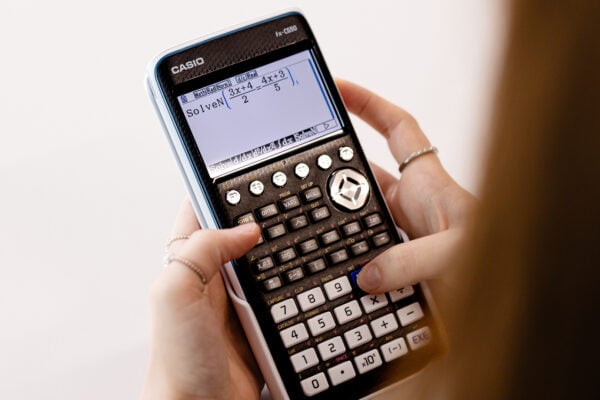


Common mistakes in A-level statistics: probability distributions
Read more
Which Casio calculator does your class need?
Read more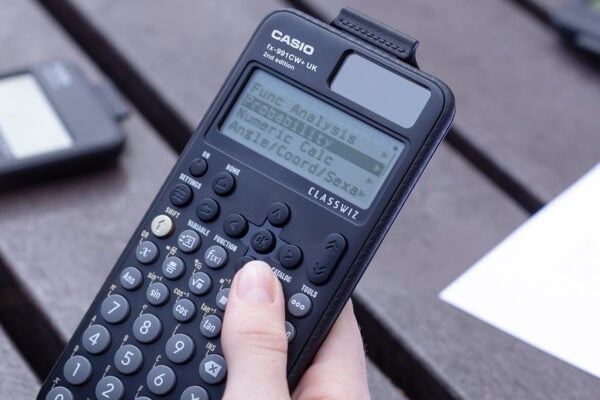
Probability: key challenges and how calculators can help
Read more
Ratio: why is it such a challenge and how can a calculator help?
Read more
Moflin at MEI: how Casio’s AI companion is finding a place in the classroom
Read more
Which Casio calculator does your class need?
Read more
Probability: key challenges and how calculators can help
Read more
Ratio: why is it such a challenge and how can a calculator help?
Read more
Results day: supporting students with their next steps
Read more
Best A-level combinations: a comprehensive guide
Read more
Why is year 7 the perfect time to introduce scientific calculators?
Read more